
Microsoft Edge 150 and later
Instructions for all systems · updated 12 Aug 2026
Fastest fix
CtrlShiftR
Hard refresh — reloads this page and ignores the saved copy.
Edge is built on Chromium, so it behaves much like Chrome — the menus are just named differently.
Clear cached files
- Press
Mod+Shift+Delete. The menu route is ⋯ → Settings → Privacy, search, and services → Clear browsing data → Choose what to clear, andedge://settings/clearBrowserDataalso works.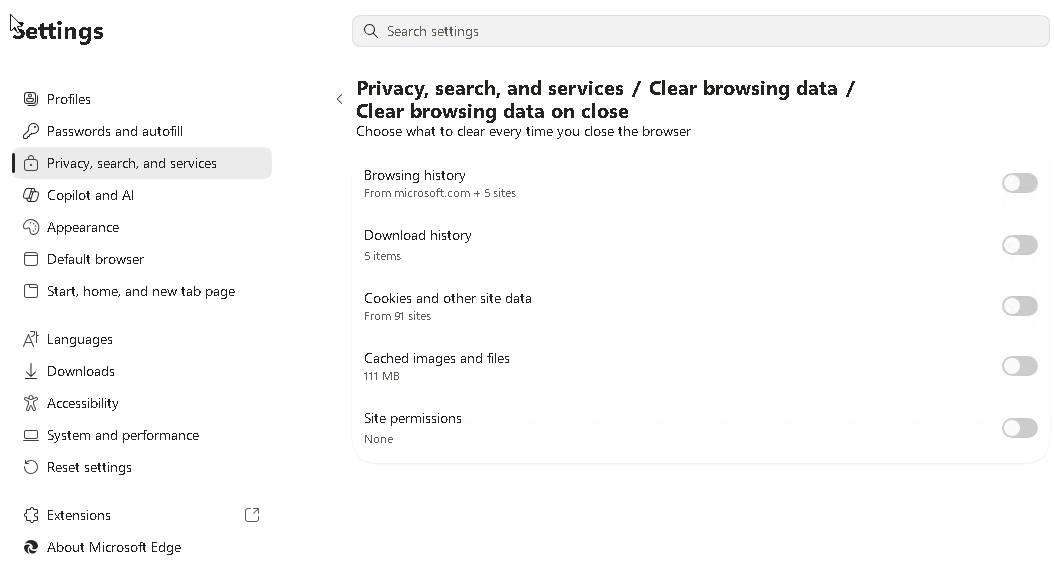
- Set Time range to All time.
- Tick Cached images and files and untick anything you want to keep.
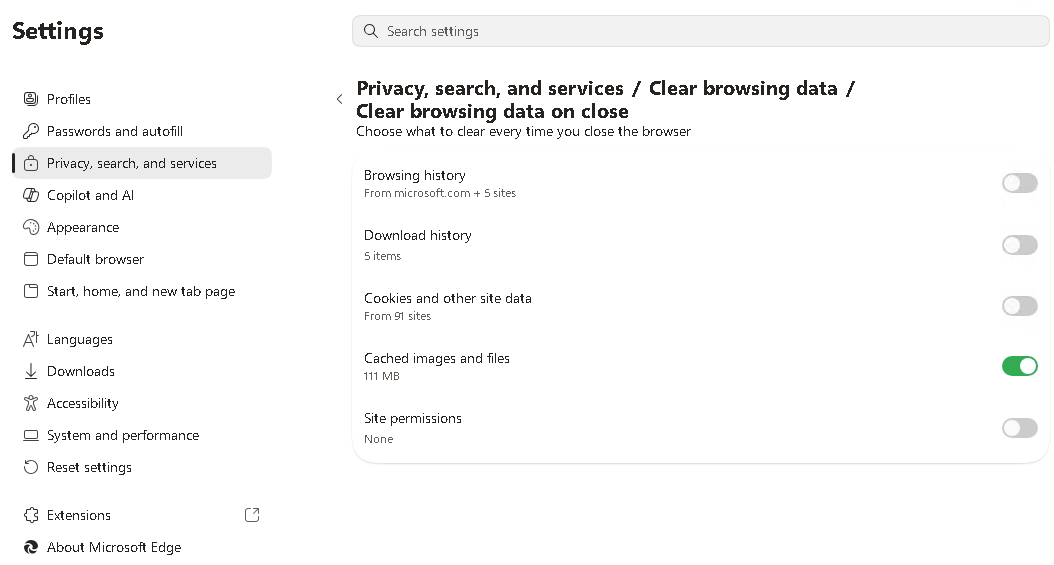
- Click Clear now.
Clear the cache for one site only
- Press
F12to open DevTools. - Open the Application panel, select Storage, and click Clear site data.
Edge can also clear the cache automatically every time you close it: Settings → Privacy, search, and services → Choose what to clear every time you close the browser.